What it took to move Verdigris from Salesforce to Lightfield

Thomas Chung
I run operations at Verdigris. We make sensors and software that tell data centers and commercial buildings what their electrical equipment is doing. A lot of our business runs through channel partners, and a sale turns into equipment, an installation, and an invoice before anyone gets paid. I led our move from Salesforce to Lightfield this spring. This is my own account of what the move took and what we do differently now.
Why switch?
I had useful tools working with Salesforce, including its CLI and Agentforce. I could get a lot done with them myself. What I still had to build was a way for other people to use the same customer context, see where it came from, and work with it together. I looked at what that would take in our Salesforce setup, and it was a fair amount of custom work. That was a big part of the reason we moved to Lightfield. I wanted more of the team to benefit from what we already knew about customers.
There was a practical side to it as well. We had Salesforce, DealHub for quoting, Discern for revenue intelligence, Apollo for prospecting, and a separate invoicing tool. Getting information from one of those to the next was usually my job. I wanted that to be the system’s job.
What did the migration involve?
I led the requirements, migration, sales workflows and integrations, with help from the Lightfield team. Our go-to-market managers led some of the team training. They were among the most enthusiastic about Lightfield because they could see right away how it would help their teams. Most of our core records were in Lightfield within the first two weeks. After that, I continued building the workflows around quoting, approvals, orders and reporting. We had to work through how people would prepare a quote, get approval and pass an order to the next person. Moving the records was the start of that work.
A few examples of what that meant in practice. We replaced DealHub, our quoting tool, with quoting in Lightfield, including our pricing rules and the points where someone needs to approve. We already had account relationships in Salesforce. In Lightfield, we worked through how those relationships should carry into quoting, orders and billing, particularly when a channel partner pays for the end customer. Matching records and getting those links right took more attention than moving the data itself.
The Lightfield team was highly responsive throughout the process. They helped us work through imports, account relationships and how quickly we could move data through the API. When I message their team in Slack I get several people responding. I had not put much weight on that when I was evaluating tools, and it turned out to be one of the better parts of the experience.
How do Knowledge and Skills help with everyday work?
Knowledge and skills are a critical component of our Lightfield implementation.
Here’s how I explain how they work to my peers.
Knowledge includes all relevant facts and policies pertaining to our business. For us that is strategy, positioning, customer profiles, the price book, terms, and discount rules. A playbook says which choices need approval and what to do with exceptions.
A Skill is a repeatable task: it brings the relevant information together, does the work, and flags what someone needs to check. Each part needs a clear owner, especially when a price or policy changes.
I started with the knowledge. I wrote down what the company knows in a structured file and keep it in GitHub, because it is a living document and I wanted to version it. We push it into Lightfield’s Knowledge through the API. That was my choice: working with AI made it easier for me to set things up that way. It is not a requirement. A lot of the setup can be managed inside Lightfield, and that is often easier. I wanted company strategy, pricing and sales guidance to stay consistent as they changed.
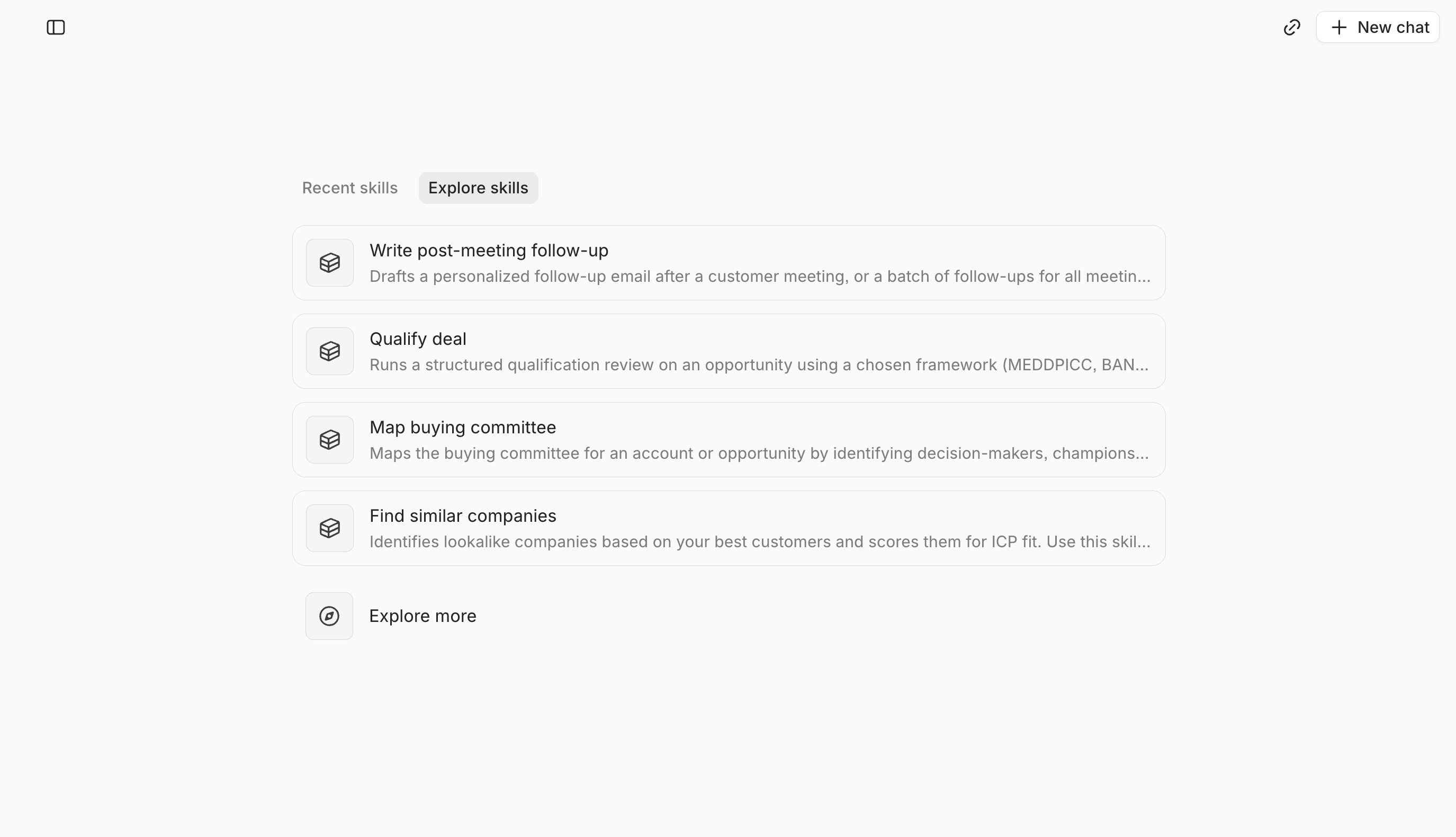
We built Skills around the way our sales team works. Before a call, a rep can pull together the account history, open commitments and questions to resolve. Afterward, another Skill prepares the follow-up and proposed CRM updates for review. When it is time to quote, the proposal Skill applies our pricing rules and flags exceptions. We organized the Skills by where someone is in a deal, so they can find the help they need at that point.
Some of the work runs in the background. When we find a new contact at a customer, for example, an automation can help connect that person to the right account and opportunity. People get the benefit without having to remember to run a Skill.
Who gets to build, and who gets to see what?
I did not want to be the person building everyone’s automations. Other people have started building and testing Skills for their own work. Our supply chain lead created a forecasting Skill, and colleagues tested it and gave feedback on the assumptions. That matters to me: the people who understand the work need to be able to shape how it gets done. I still keep full admin access limited.
On visibility, our CEO accounts for a large share of both our sales activity and our more sensitive conversations, so access needs to be finer than on or off.
What changed for people outside sales?
Lightfield has changed how our whole company operates, not just sales.
Invoicing and accounting still happen separately, with Numos and QuickBooks. We use Lightfield for the customer and order information that feeds that work. Getting the billing details, purchase order and shipping information right still matters.
Supply planning is a good example of why the shared context matters. We often asked whether we had enough equipment to deliver what sales was trying to close. Sometimes we held back because we did not want to sell something we could not deliver. Bringing the forecast into Lightfield gave sales and supply chain a shared view to work through. It also made disagreements about the assumptions visible. In one discussion, we realized that signing a large contract did not necessarily mean equipment needed to ship immediately. Sales updated the expected hardware quantities, and the team could discuss what to build from a clearer picture of demand.
We started using conversations for fundraising summaries and investor updates. Our CEO is very effective in customer and investor conversations. Writing each one up competes with taking the next call. If the system could prepare the summary, he could spend more time on those conversations and the team could still see where things stood. That became a useful part of our investor reporting.
Product and engineering also began reading customer calls to understand requests and patterns. We sometimes had different interpretations of the same customer conversation. Now an engineer can read the call they were not in and look for the same request in other conversations. That gives them a way to hear from customers directly, and it has been one of my favorite things to watch the team pick up.
And the smaller thing, which adds up: people can use a Skill to prepare a quote or update a sales meeting report. The pricing rules and review steps are part of the task, so they do not have to start by asking me how to do it.
What should a team check before moving?
Start with one workflow people rely on. Use a real case. Can someone find the information, check where it came from, and complete the next step? Can a colleague pick it up without asking for the whole story again? Look at where review is needed and who takes responsibility when something goes wrong. The more teams a sale passes through on its way to being delivered and billed, the more that question matters, and the more it was worth it for us to move.