AI CRM vs. traditional CRM: four moments where they differ
Lightfield
Quick summary
A traditional CRM holds what your team typed. An AI CRM holds what your customers said. Salesforce and HubSpot were built for a person to maintain fields, and both now sell AI features that a team can add. The two designs behave differently at four moments that every sales team runs into.
| Moment | CRM maintained by hand | AI CRM (Lightfield) |
|---|---|---|
After a call | A rep types the update. | The meeting transcript updates the record without anyone typing it in. |
When a field is added | The field is blank on existing deals until someone fills it in. | The field starts empty, and Automations can write results into it. |
When the process changes | An admin configures the change. | The team writes the process down as Company Knowledge and Skills and builds Automations from it. |
When someone asks a question | The answer comes from the fields as they were last typed. | The answer draws on the conversations and their history. |
Salesforce and HubSpot now sell AI that updates fields
Salesforce and HubSpot were both built around teams updating records by hand. Both now offer AI features that take some of that work over.
Salesforce's Agentforce can update opportunity fields such as stage and next step from calls, emails, and meetings, either automatically or as suggestions a rep approves. HubSpot's Breeze includes a meeting notetaker that captures notes after a call and recommends property updates for a rep to approve.
A Salesforce or HubSpot customer can therefore sit on either side of this comparison, depending on which features they have turned on. The practical difference is where you start. In an AI CRM, conversations that write the fields are how the product works from the first day. In Salesforce or HubSpot, they are features to enable and configure on top of a CRM your team has kept by hand. Four everyday situations show the difference.
1. After a call, the transcript does the typing
In a traditional CRM, the call ends and the rep has to update the record. If the rep goes straight into the next meeting, the stage stays where it was.
In Lightfield, which we build, meetings are recorded and transcribed, and records update themselves from what was said. Lightfield supports automatic work and human-reviewed drafts, and the review requirements depend on the action and how the workflow is configured. Email the agent writes for a customer is a draft that waits for a person to send it.
2. A new field starts empty in both
In a traditional CRM, a new field is blank on every existing deal. Someone fills it in by hand, or it stays blank.
A new field in Lightfield also starts empty. Fields and custom objects are set up to match how your business works, and Automations (open beta, Pro and above) can score an account against criteria you define and write the result into fields.
3. You change the process by writing it down
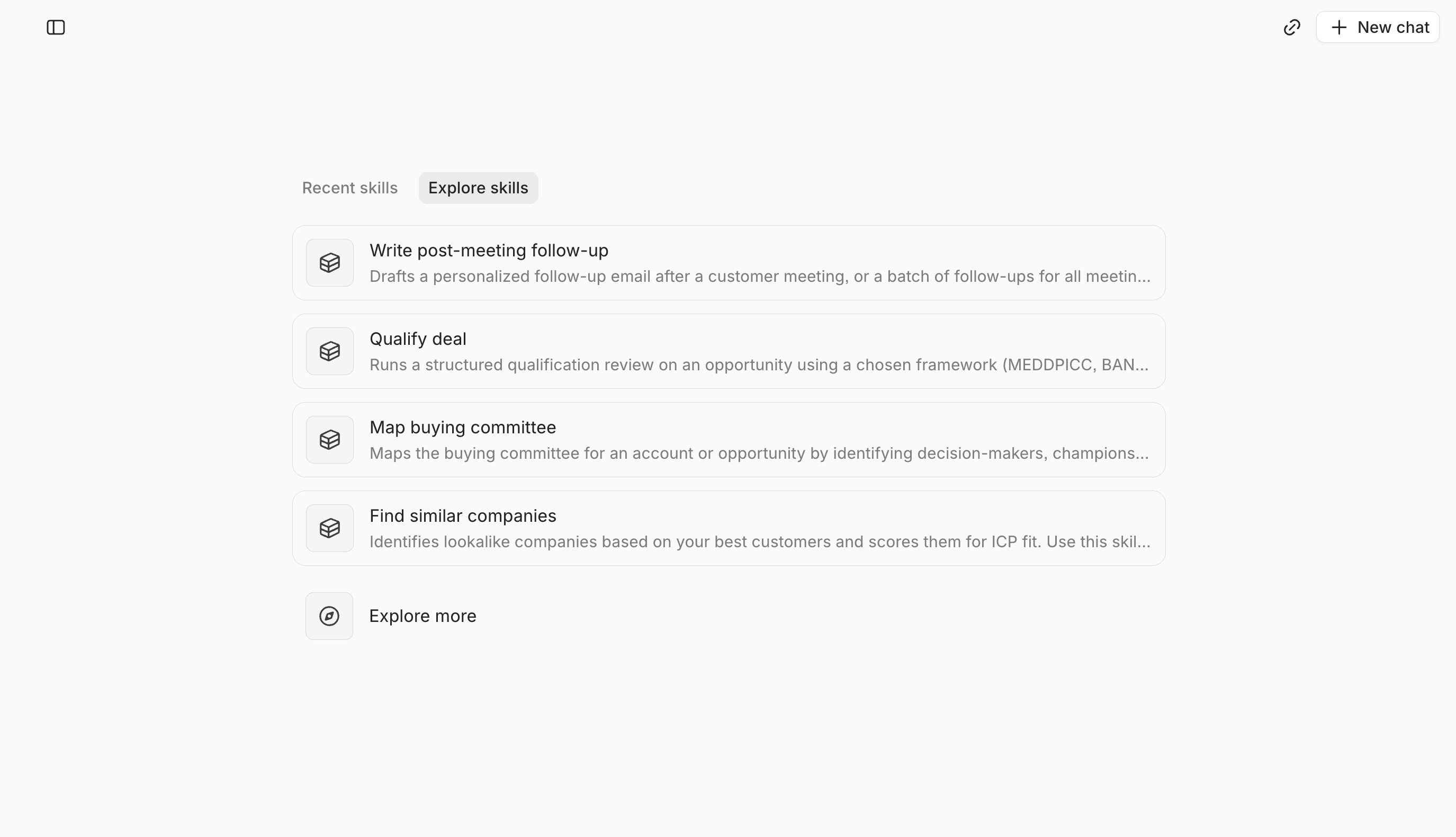
In a traditional CRM, a process lives in admin configuration, and changing it is a job for whoever knows the admin pages. In Lightfield, the team writes its process down as Company Knowledge and Skills, and builds Automations (open beta) that run on schedules or record-change triggers.
Thomas Chung, co-founder of Verdigris, describes the difference:
"You don't go into Salesforce's admin page and describe what you need in human terms. But you can in Lightfield. You can say, I need the following ten things to happen when we close a deal, enforce that on a state change, make sure the right people do it, and notify me in Slack if it doesn't. And it will just do it."
4. Questions get answered from the history
A traditional CRM answers from the information people have typed into its fields. Lightfield also draws on past emails and meetings, and keeps temporal context: what changed, when, between whom, and why. You can ask about an account without waiting for someone to update every detail first.
Moving off Salesforce or HubSpot starts with a CSV export
Lightfield supports migrating companies, contacts, opportunities, custom fields, custom objects, and relationships. You export records from the old CRM and import them, and the source data and your field mappings determine what lands correctly.
A standard export carries current records. It is not a full activity history, so notes, logged emails, tasks, transcripts, and historical field changes need their own assessment. Email history comes from connecting each mailbox, which is a separate step from the import, and email stored only in the old CRM needs a separate assessment.
Enterprise packaging includes phased migration, which keeps the old CRM in sync while teams move over.
When a traditional CRM is still the right choice
HubSpot is the better fit for all-in-one breadth, especially marketing. A team can keep HubSpot for marketing and run sales in Lightfield through the documented one-way integration, which has a Pro prerequisite. A team with heavy Salesforce-specific governance may reasonably stay until those dependencies are proven.
Lightfield does not replace every part of a CRM suite. Before switching, test the AI features in your current CRM. If they keep your fields current, you may not need to migrate.
Test your CRM at the four moments
The comparison comes down to four moments: after a call, when a field is added, when the process changes, and when someone asks a question. Start with the first. Look at an account after a call nobody touched. If the stage, next step, and tasks are already updated, you may not need to migrate. If reps still type them in, compare that workload with what Lightfield handles.
Book a demo and bring your own calls to see how Lightfield updates records after a call and answers questions from your customer history.
Common questions about switching
1. Can I add AI to Salesforce or HubSpot instead of switching?
Yes. Salesforce's Agentforce and HubSpot's Breeze can both update fields from conversations once they are set up, so a team already on either one should try that first. Switching makes sense when the setup is more than the team can maintain, or when the team still has to keep fields updated by hand afterwards.
2. Will I lose my history if I switch?
You keep the records you export and import: companies, contacts, deals, and custom objects. Logged calls, notes, and emails are not part of a standard export, so each needs its own assessment. Email history comes from connecting mailboxes.
3. Does the agent change my pipeline without asking?
Lightfield supports automatic work and human-reviewed drafts, and the review requirements depend on the action and how the workflow is configured. Email the agent writes for a customer is a draft that waits for a person to send it.