Getting new account executives up to speed on the accounts they inherit
Lightfield
A new account executive needs three things in the first weeks: the history of each account, a briefing before each meeting, and a sense of how the team handles objections. This page covers where Lightfield fits, what to test on your own data, and what to check before you choose. It doesn’t state a ramp time, because we haven’t measured one.
Where Lightfield fits
Lightfield is an agentic CRM. It captures every customer interaction, organizes that history so agents can work from it, and gives agents the tools to do consistent, good work. Records update from your email and meetings, and temporal context shows what changed, when, and why.
Mona Darwish, Head of Sales at Agree, says: “Lightfield is a wonderful platform for our team to grow into and I expect it to have a substantial impact on our ability to ramp new sellers.” That’s an expectation, not a measured result.
Account history and meeting prep
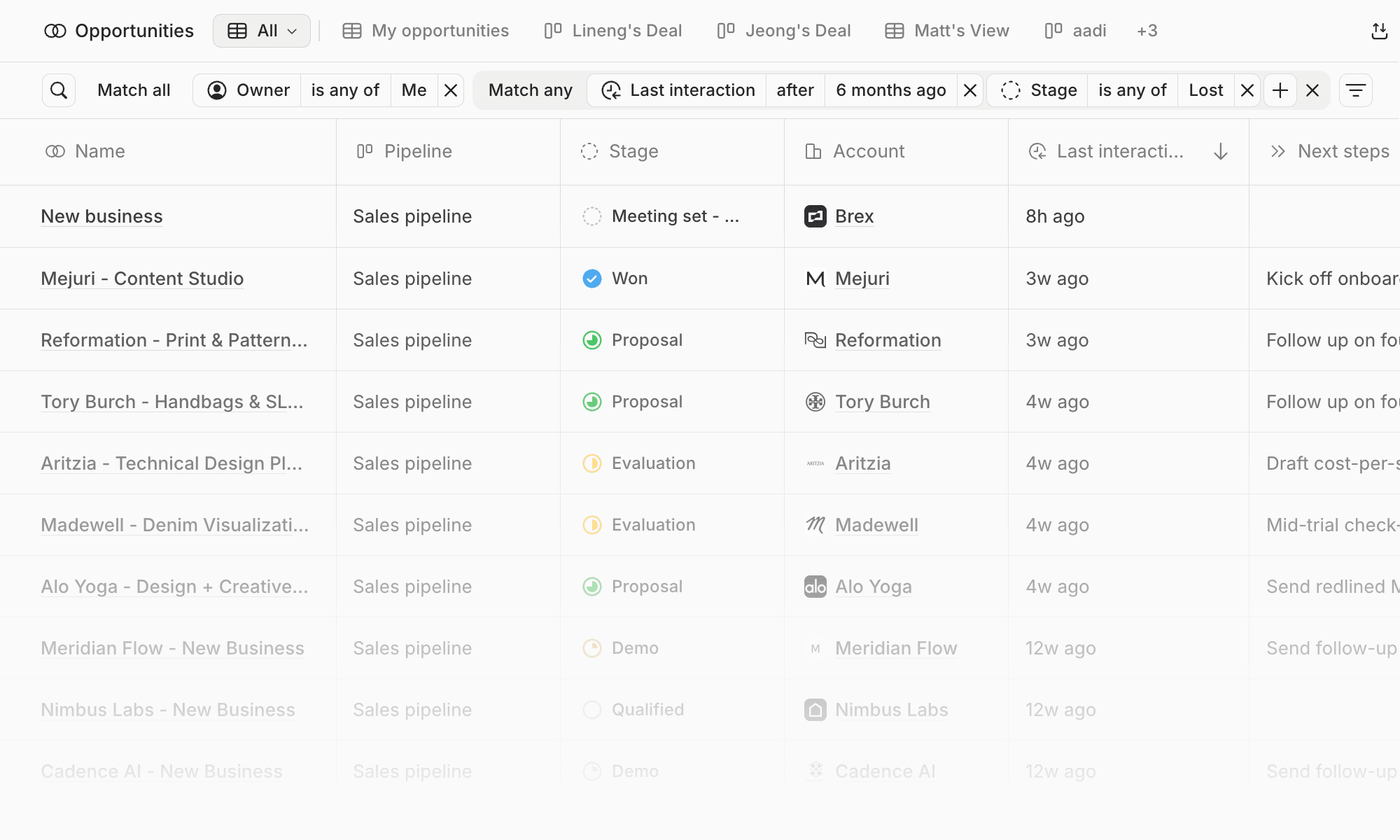
A new account executive can ask Chat about an account and read its history in the record. Before each upcoming meeting, Lightfield writes a Meeting prep document with the company, the attendees, relationship history, and what they need from you. Mona describes the Chat side: “I can just ask Chat. It pulls it up, and I can do it right on the call in two seconds.”
Viewer seats give read-only access to records and Chat. Capture seats sync email and meetings from Google or Outlook, including recording, transcription, and automatic record updates. Access follows workspace permissions.
Calls and objections
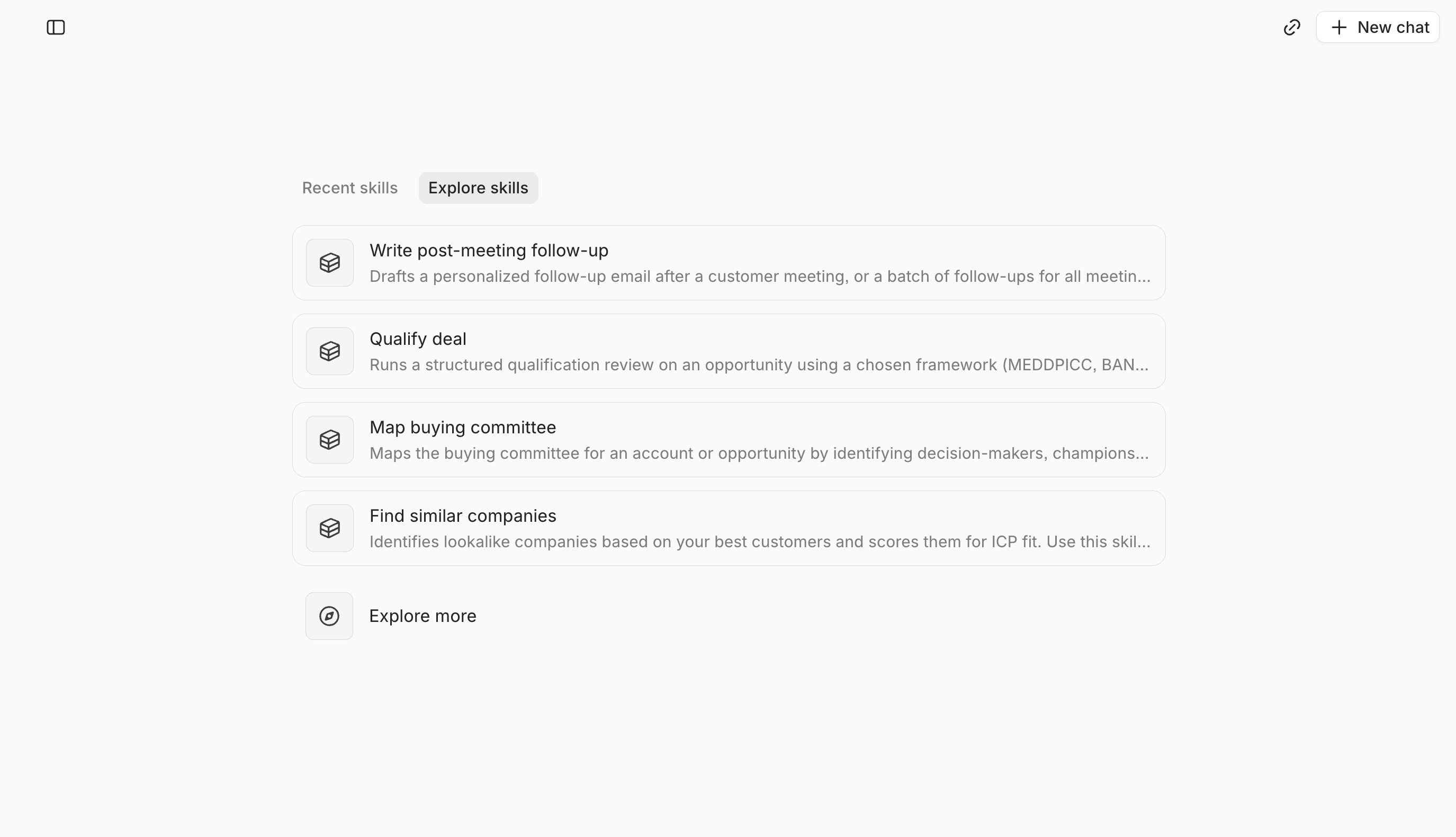
Lightfield records and transcribes calls, so once calls are captured, the evidence for questions about objections is in your workspace. You can ask something like “What objections came up with Acme?” and get an answer tied to the call. A team can also write its coaching and onboarding guidance as Skills. We don’t describe a packaged ramp program.
Try it yourself
We wrote this page, so run these requests on your own data:
- What’s the history with this account, and what happened in the last meeting?
- Which objections came up on calls with accounts that stalled?
- What should a new account executive read before the first call with this customer?
What to check before you choose
- Which new hires need capture seats so their email and meetings sync, and which only need viewer seats.
- Which accounts a new hire inherits, and how much of their history is in the workspace.
- Who reviews briefings and coaching Skills before new hires rely on them.
- Which parts of onboarding you want to write down as Skills.
FAQ
How quickly will new account executives be productive? We don’t state a ramp time. Lightfield is built to help teams get new hires up to speed, and we haven’t measured how long that takes.
Does every new account executive need a capture seat? No. Capture seats sync email and meetings. Viewer seats give read-only access to records and Chat.
Can a new account executive see conversations from before they joined? They can see what’s been captured or migrated into your workspace, within permissions.
Can Lightfield help with coaching? You can write coaching guidance as Skills, as Power did with a deal-coaching Skill.
To see what a new account executive would see in your workspace, book a demo.