How to hand a founder’s accounts and deal history to new sellers
Lightfield
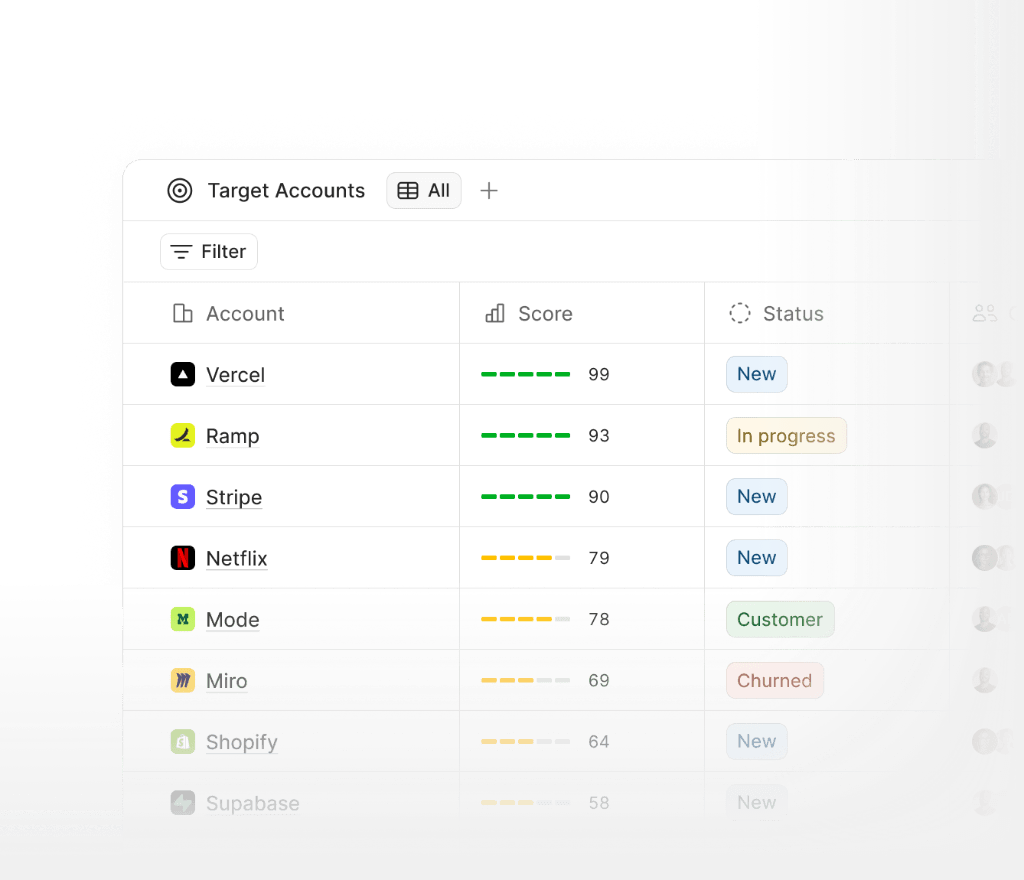
A founder’s accounts hand off well when the account history travels with the account. This page covers what a new seller needs, what can move from your old system, and what to check before you choose where the history lives.
What a new seller needs on day one
A new seller taking over a founder’s account needs more than a contact and a deal stage. They need what was said in email and meetings, what changed in the deal and when, and why the founder made each call. In a CRM that people type into, this context often stays in the founder’s inbox and memory, because those records only hold what someone remembered to enter.
How Lightfield carries the context
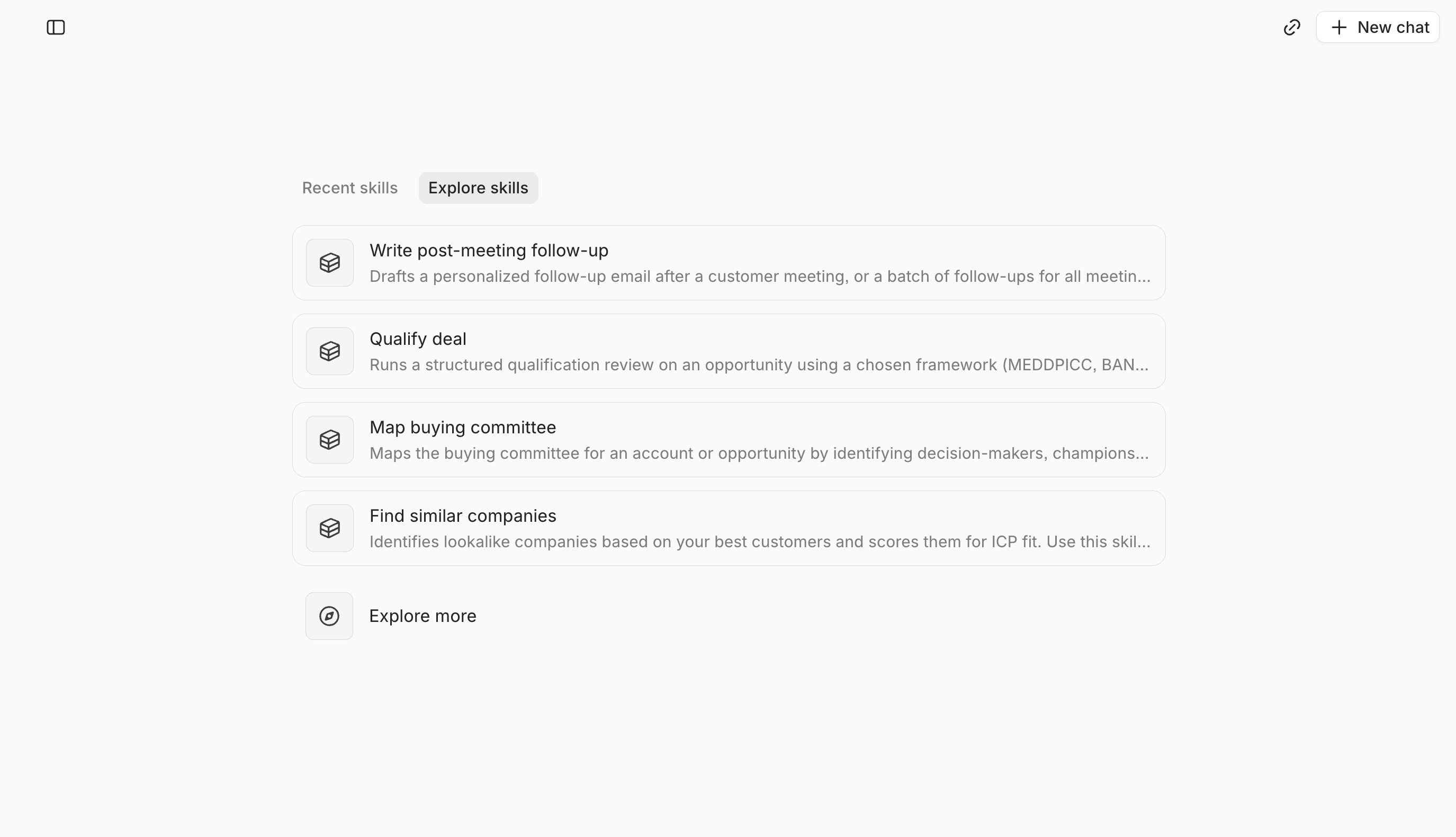
Lightfield is an agentic CRM. It captures every customer interaction, organizes that history so agents can work from it, and gives agents the tools to do consistent, good work. Records update themselves from customer interactions, and temporal context shows what changed, when, who was involved, and why. A new seller can read that history instead of asking the founder to rebuild it.
Jonathan Lakin, co-founder and CEO of Intent HQ, described what account history did for a deal his team doubted: “I was able to look at the account and understand exactly why we had got stuck in the process.”
What moves from your old system
Your core records and the fields you agree on can move to Lightfield. We can also scope notes, attachments, and historical conversations, but they may need to be exported separately from your companies, contacts, and deals. Before you switch off the old system, we agree what’s included, how it will appear in Lightfield, and what should stay in an archive. On average, migrations to Lightfield take 6 days.
Email history
Connecting a Google or Microsoft mailbox brings in past email. How far back it goes depends on three things:
- The backsync range you choose: It defaults to one month and can be set to 3, 6, 12, or 24 months.
- What the mailbox still holds.
- The permissions it grants.
Email stored only in your old CRM needs a separate look. We confirm which history is in scope before you switch off the old system.
Each mailbox whose history you need has to be connected and authorized. Connecting a manager’s inbox doesn’t give access to anyone else’s mail.
When the history was never captured
History already captured in Lightfield stays. For people whose history hasn’t been imported, we first check what your company still retains and can authorize us to access. If messages were deleted and no source keeps them, we can’t promise to recover them.
What to check before you choose a system
- Whether email and meetings are captured automatically or depend on people logging them.
- Whether a new seller can see what changed on a deal and why.
- Which record types migrate and which stay in an archive.
- Which mailboxes need to be connected and who authorizes them.
- Whether access follows the permissions you set.
FAQ
Which accounts should a founder hand off first?
We think the accounts with the longest deal history should go first, because a missing detail costs the most there.
Does history from my old CRM come over?
Core records and the fields you agree on can move. Notes, attachments, and historical conversations are scoped separately and may need their own export.
Can Lightfield bring in a founder’s email history?
Yes, from connected Google or Microsoft mailboxes. How far back depends on the backsync range, what the mailbox retains, and permissions.
Does every seller need to connect an inbox?
Each mailbox whose history you need has to be connected and authorized. Connecting one inbox doesn’t give access to anyone else’s mail.
What happens to history from someone who has left?
History already captured in Lightfield is kept. For history that was never imported, we first check what your company still retains and can authorize us to access.
How long does the history import take?
Connecting your inbox and calls typically backfills months of history in about an hour. Larger backfills take longer, depending on the amount of history and the source system, and we confirm expected timing during setup.
Do agents act on accounts without review?
Agents work within your permissions and settings. Fields set to Suggest wait for your approval, and access follows your workspace permissions.
Who is this for?
Founders and go-to-market teams at high-growth B2B companies that are adding sellers.