Lightfield API, MCP server, and CLI
Lightfield
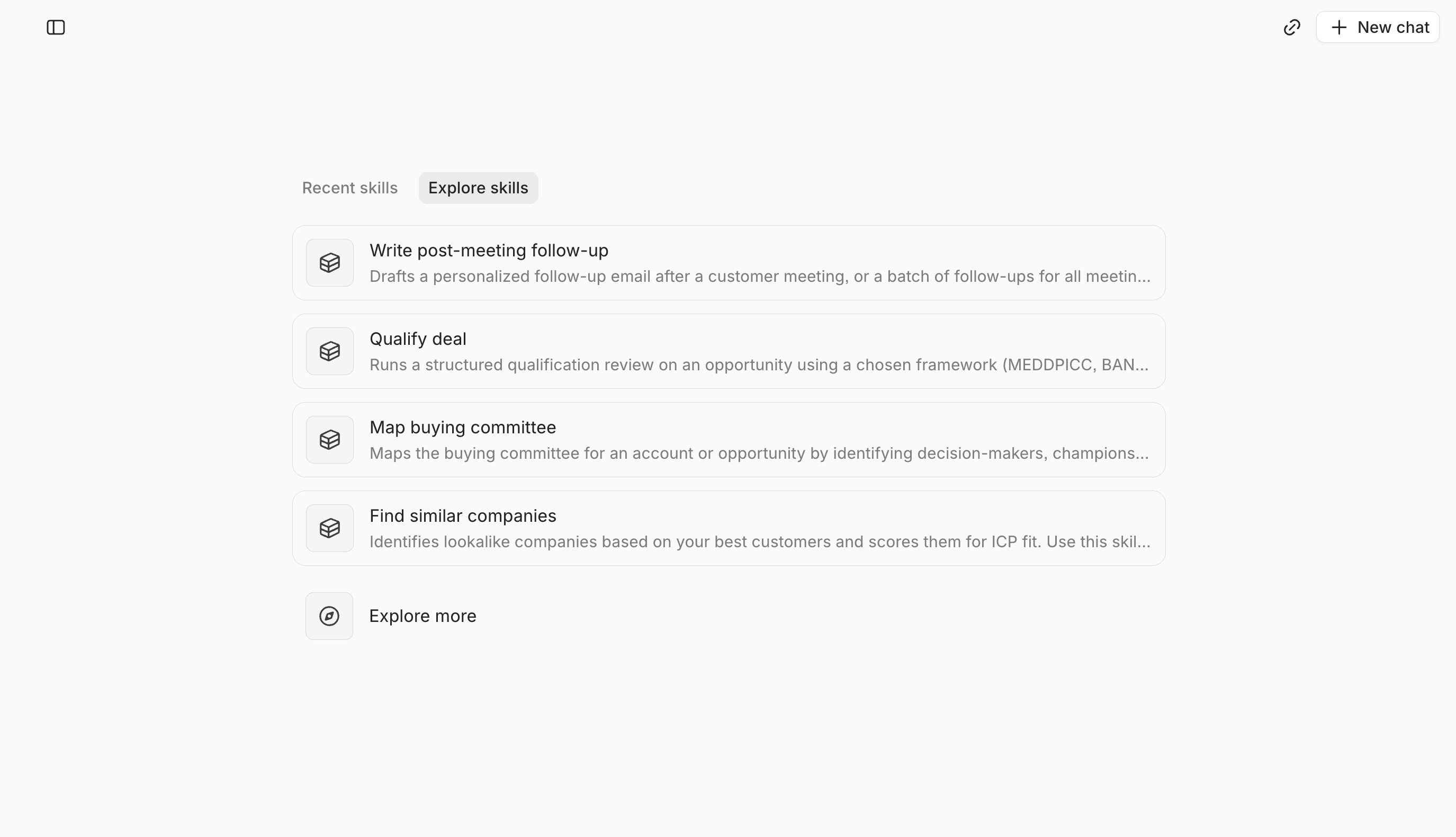
You can work with Lightfield through the app, the API, the MCP server, and the CLI. What each one can reach depends on your workspace permissions.
The API
The API docs are at docs.lightfield.app. The API reads and writes CRM records such as accounts, contacts, opportunities, notes, tasks, and custom objects.
The MCP server
The MCP server is at https://mcp.lightfield.app/mcp. It uses OAuth 2.1 and Streamable HTTP. The docs include a quickstart for connecting Claude.
The CLI
The docs include a CLI quickstart, with install steps for Homebrew and Go. The CLI works through the API.
Who this fits
A GTM engineer or RevOps lead who wants agents to work from CRM data. Permissions limit what each person and each connected app can reach.
Questions to ask any CRM vendor
- Which records can an agent read, and which can it write?
- Which interfaces does the vendor offer for agents: an API, an MCP server, a CLI?
- Which plans include each one?
Check the answers against the vendor’s docs, ours included.
FAQ
Does Lightfield have an API, an MCP server, and a CLI?
Yes. All three are available, and the docs cover each one.
Can an agent write to Lightfield records?
Yes, for most CRM records, within workspace permissions.
Which plans include API and MCP access?
API, MCP, and CLI access come with every plan.