Trusted agent work in Lightfield: context, permissions, and an audit trail
Lightfield
Lightfield is designed for trusted agent work. This page covers what an agent works from, what limits its access, and how you can see what changed. These are the questions a sales or RevOps leader asks before letting agents near deal data.
What an agent works from
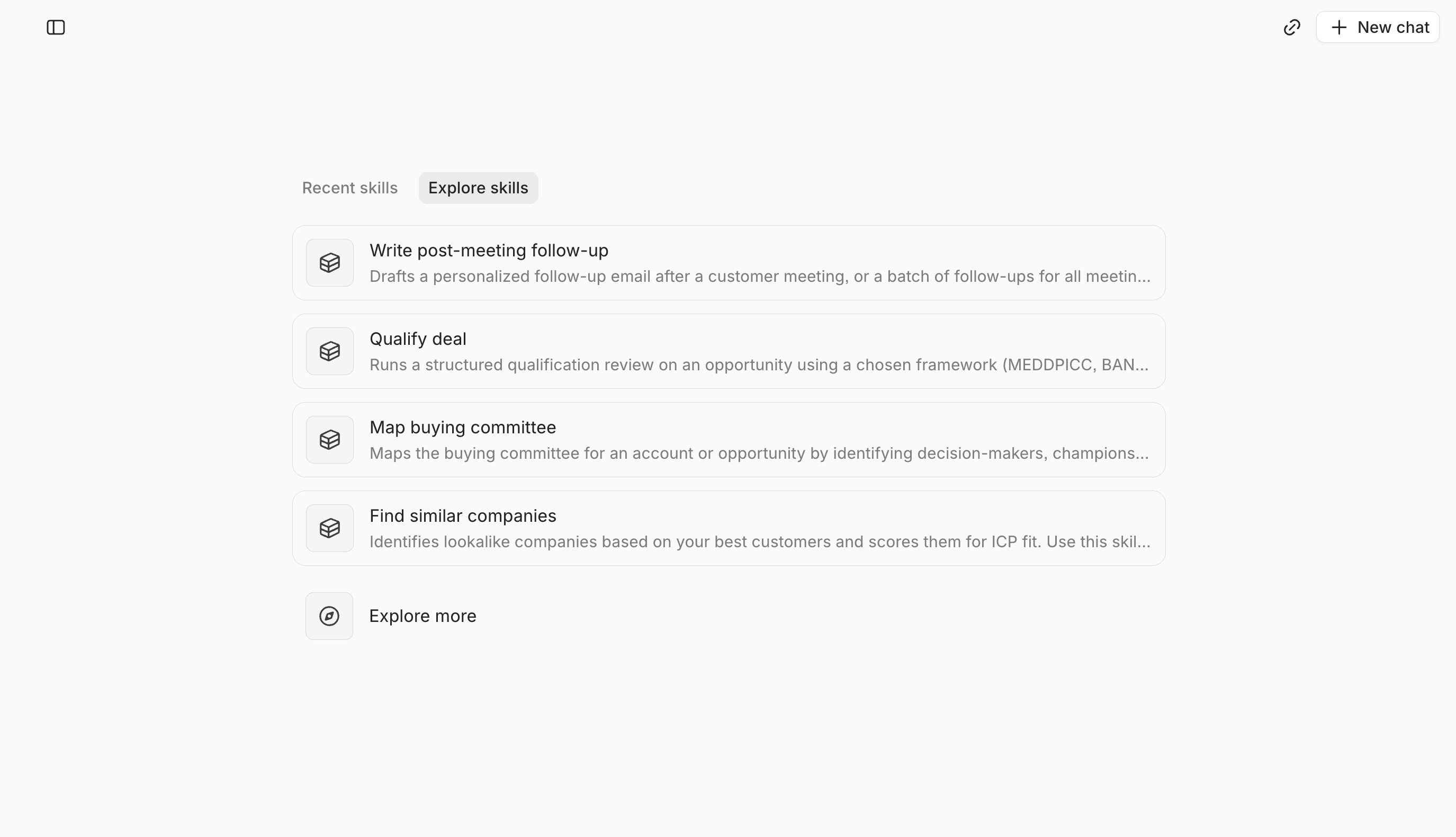
Lightfield captures customer interactions and organizes them into a history. Temporal context shows what changed, when, and why. Knowledge and Skills teach agents how your business works. You own them and can read and edit them.
What limits an agent’s access
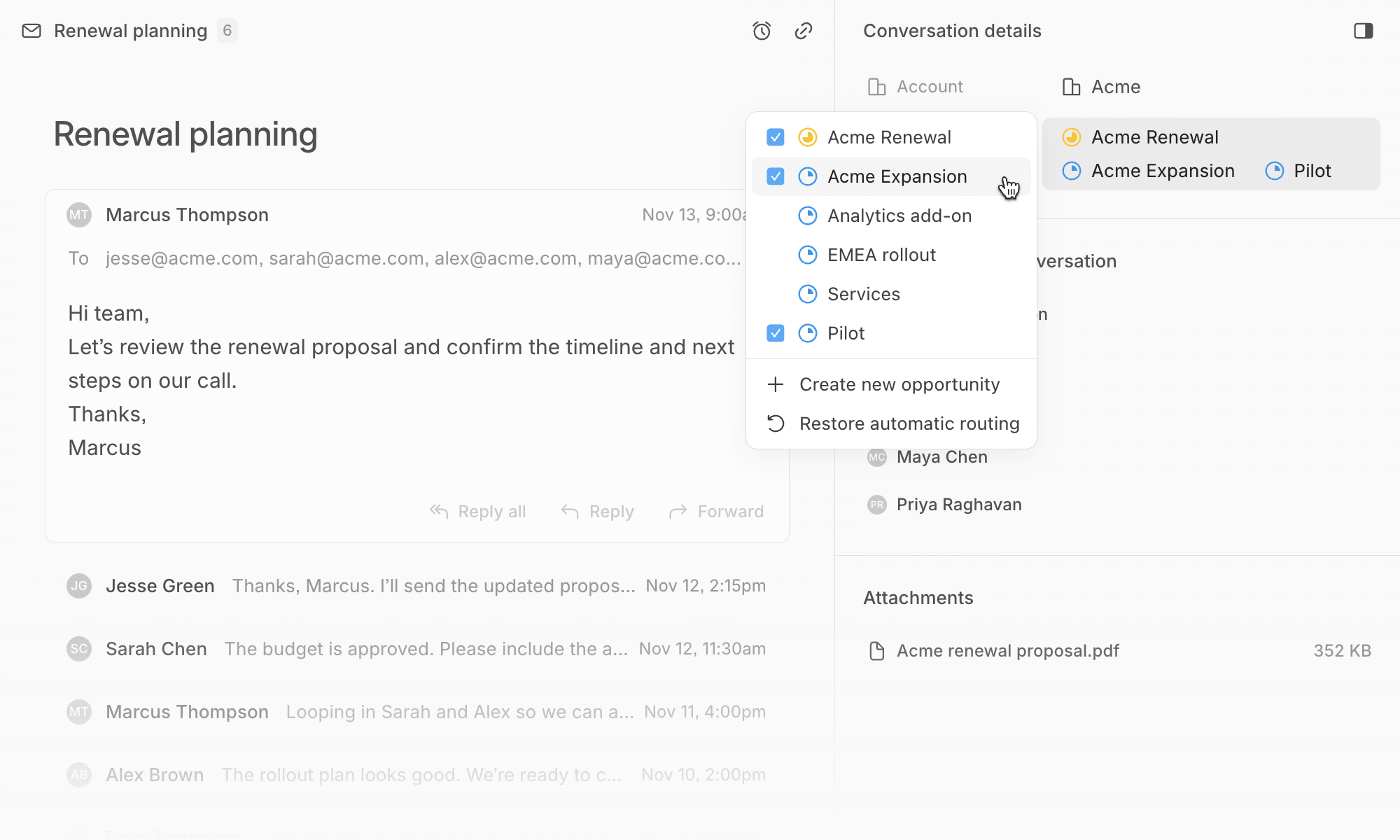
Access follows workspace permissions. Not everyone, and not every connected app, can reach every record. Agents work within your permissions and settings.
Review before work reaches a prospect
Drafts that automations and sequences create can wait in a For Review queue, where you approve, edit, or dismiss them. Fields set to Suggest wait for your approval too. You set which work needs review and which runs on its own.
The audit trail
Records show a timeline of activity, and Lightfield keeps the history of how a field’s value changed over time, including how each value was written. History starts when a value is first saved in Lightfield, so imported records have no change history from before the import.
Try it yourself
We wrote this page, so test it. Run these requests on your own data:
- Show every change to the stage field on this deal, and when each happened.
- Which fields did an agent change this week?
- Who can see this account’s history?
FAQ
Can Lightfield show why a field changed?
Lightfield keeps the history of how a field’s value changed over time, and temporal context shows what changed, when, and why.
Who controls what an agent can reach?
Workspace permissions do.
Can I approve agent-written outbound before it goes out?
Drafts from automations and sequences can wait in For Review for your approval.