What an agentic CRM is, and what to ask before you pick one
Lightfield
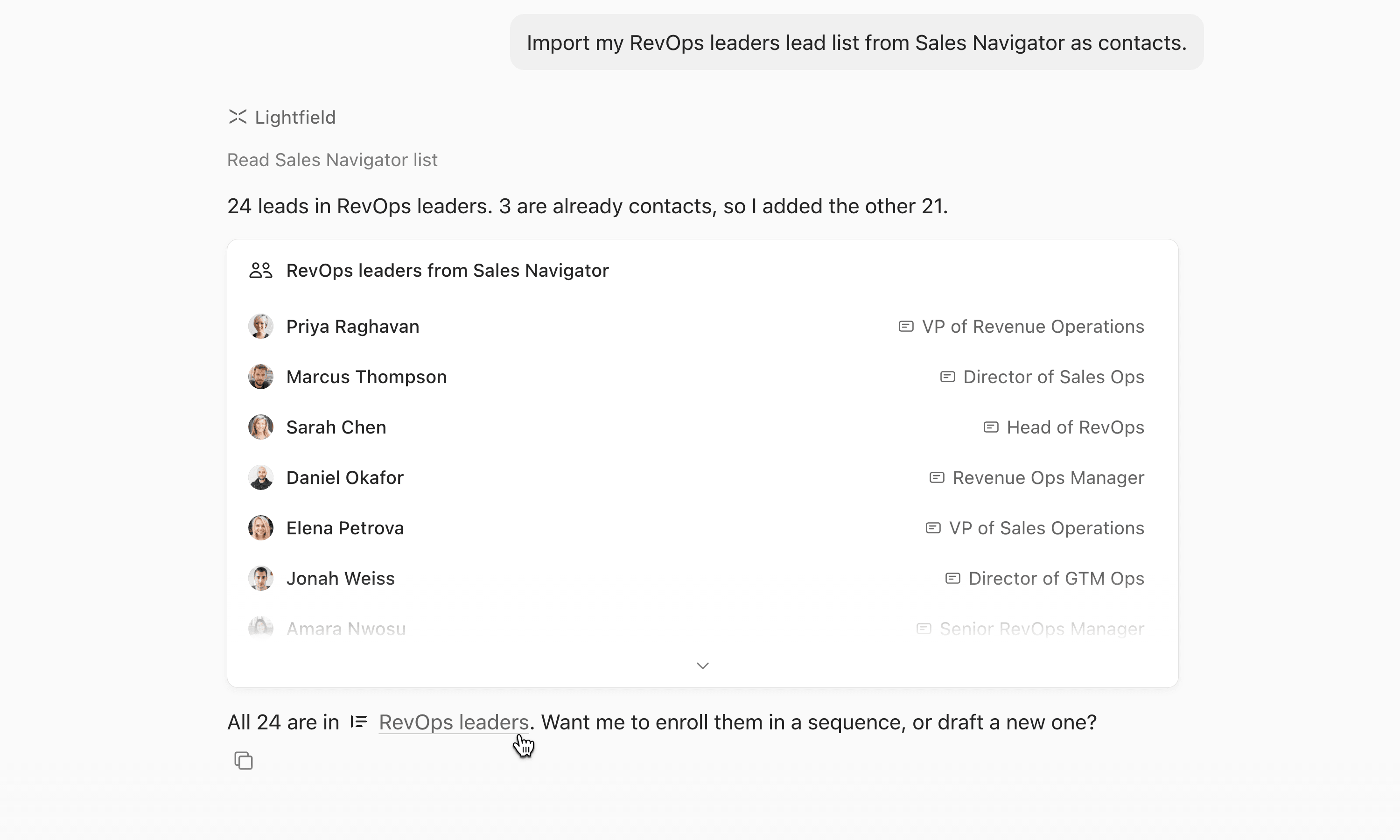
Lightfield is an agentic CRM. It captures every customer interaction, organizes that history so agents can work from it, and gives agents the tools to do consistent, good work.
The decision
The choice is whether your agents work from what people remembered to enter or from the customer interactions themselves. That choice shapes everything an agent can do afterward, so it’s worth making before you compare features.
Why the data matters
We believe agents can’t do reliable work without data they can trust. When an agent fails, the problem is usually the data the model was given, not the model.
Many older CRMs were built for people to type into, so their data is often incomplete, contradictory, or missing the context an agent needs. Putting a model on top of that data makes it easier to read. It doesn’t make it complete or consistent.
How an agentic CRM works
An agentic CRM starts with the customer data and builds up from there.
- Records update themselves from customer interactions such as calls, emails, and meetings.
- Custom objects and relationships follow how your business works, instead of one fixed schema.
- Temporal context shows what changed, when, who was involved, and why.
- Knowledge and Skills teach agents how your company operates. You own them and can read and edit them.
- An agent harness handles deterministic computation, controlled record access, and evaluations.
- Access follows workspace permissions.
Agents work under your permissions and settings, and you decide how much changes on its own. Fields set to Suggest wait for your approval.
Questions to ask any CRM vendor
You can test each of these on your own data.
- Which CRM lets a sales leader decide which fields AI can write, which it can only suggest, and which it leaves alone?
- Which CRM fills in deals from calls and email on its own?
- Which CRM keeps full transcripts and emails for agents to use?
Try it yourself
We wrote this page, so test it. Pick one closed deal in your current CRM, then:
- Ask each product to explain why the deal stalled, using only its own data.
- Ask what changed on the account in the last 30 days and which records those changes touched.
- Compare how much of each answer depends on what a person typed in.
To run this on your own data, book a demo.